Stairs, cables and concrete.

The construction and electrical calculator for iPhone. One toolkit for electricians, builders and DIY: a stair designed in 3D, the right cable and breaker, and the materials for the job, with the working shown.

Download Kupfra on the App Store

Free to start. Unlock everything with a subscription or once for life.

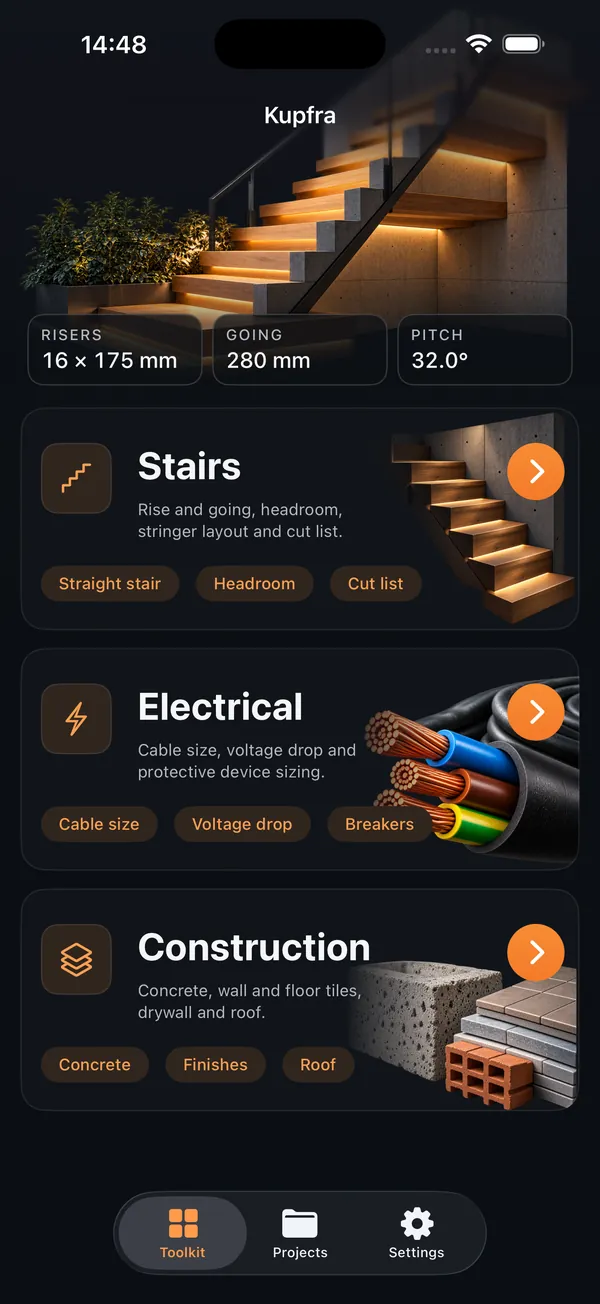
The Kupfra home screen: the Stairs, Electrical and Construction modules under a lit stair, with the current stair at 16 risers of 175 mm.
languages, following your device
45
stair types, from straight to spiral
6
electrical calculators
8
construction calculators
8
wiring standards: IEC 60364, BS 7671 and the NEC
3

Three modules, one app.

Stairs, Electrical and Construction sit on one home screen. Pick the job, enter what you measured, and read the answer with the working beside it.

Stairs

A stair laid out in 3D.

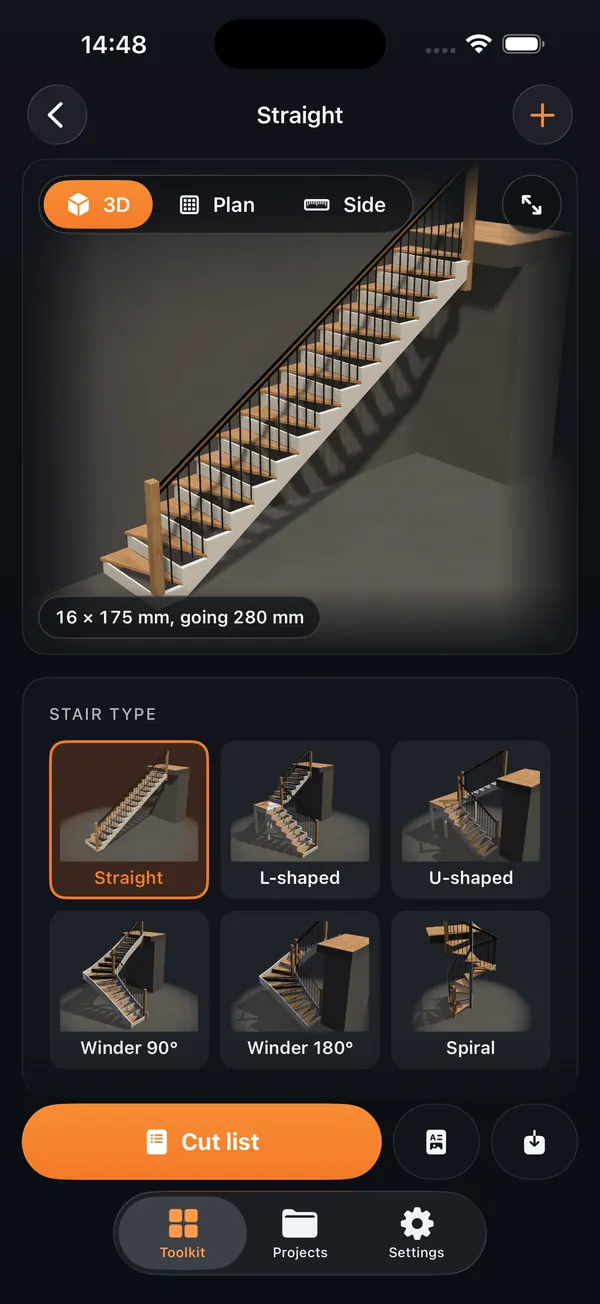
Enter the floor to floor rise and the room you have, and Kupfra lays out the stair: number of risers, riser height, tread run, pitch and step length.

  • Straight, L-shaped, U-shaped, quarter winder, half winder and spiral
  • Cut list, materials and cost
  • Client PDF with your logo
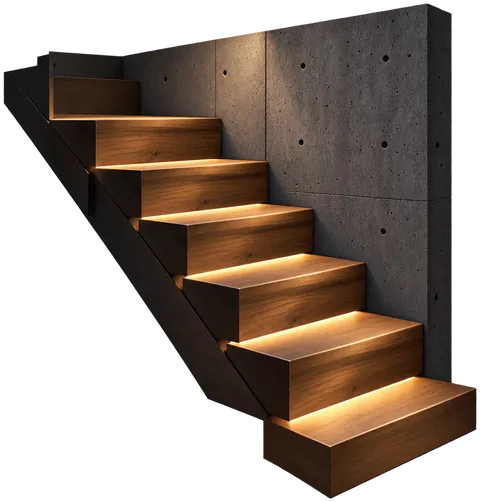
The straight stair in 3D with the stair type picker below.

Electrical

The right cable and breaker.

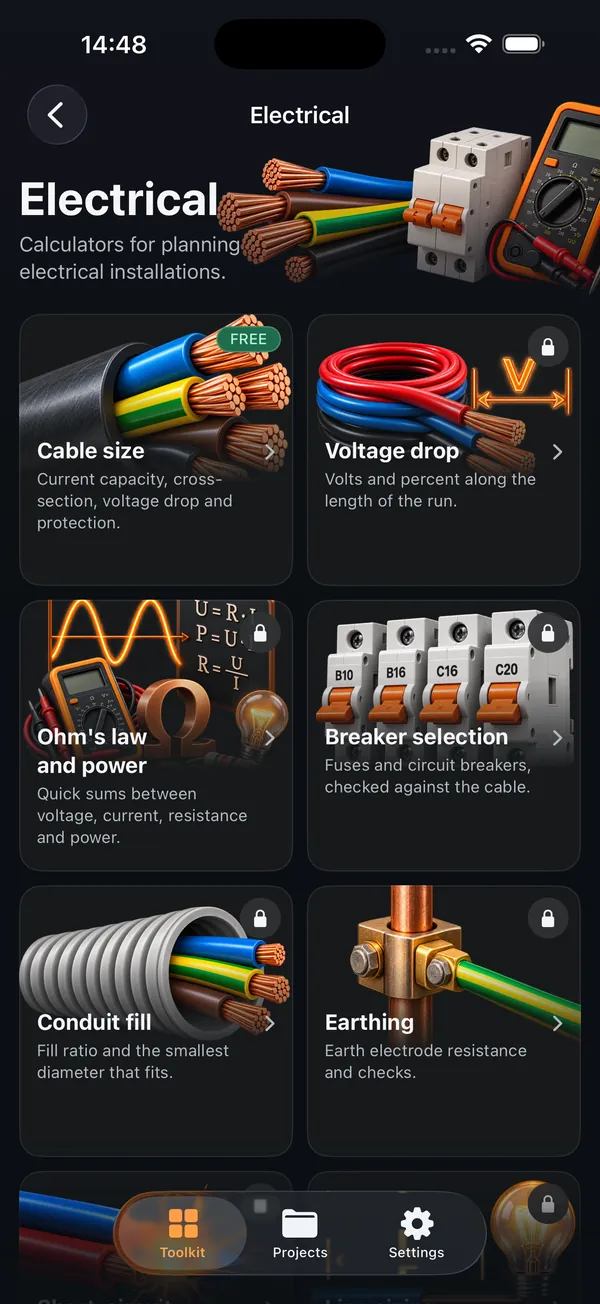
Size the cable and check the protection, following IEC 60364, BS 7671 for the UK or the NEC for the US.

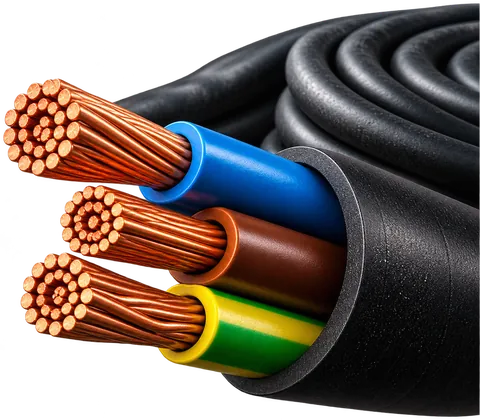
  • Cable size and voltage drop
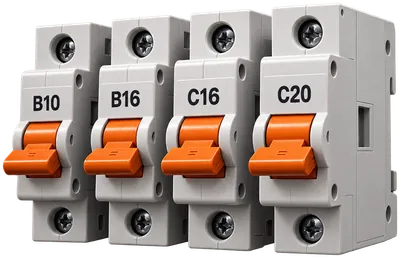
  • Breaker and fuse selection
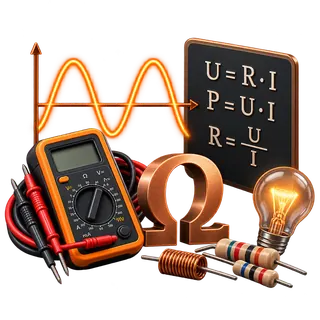
  • Short circuit, earthing, conduit fill, line sizing and Ohm's law
The Electrical module with its calculators: cable size, voltage drop, Ohm's law, breaker selection, conduit fill and earthing.

Construction

The materials for the job.

Quantities with adhesive, grout, mortar and waste worked out.

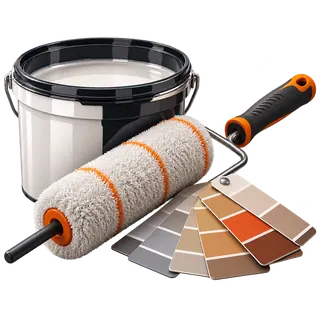
  • Concrete and screed, tiles, paint
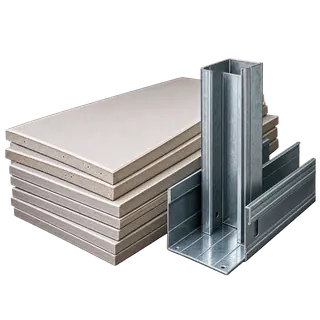
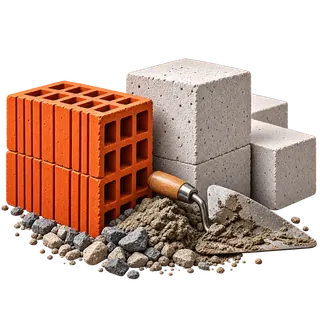
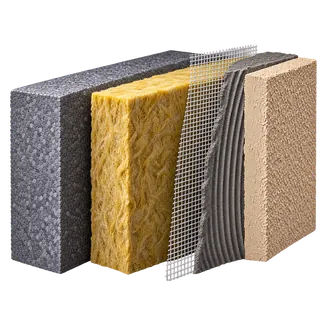
  • Drywall, bricks and blocks, insulation
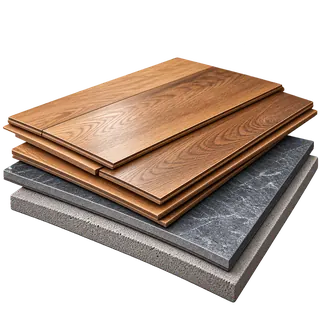
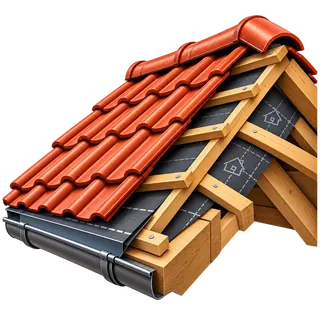
  • Flooring and roofing
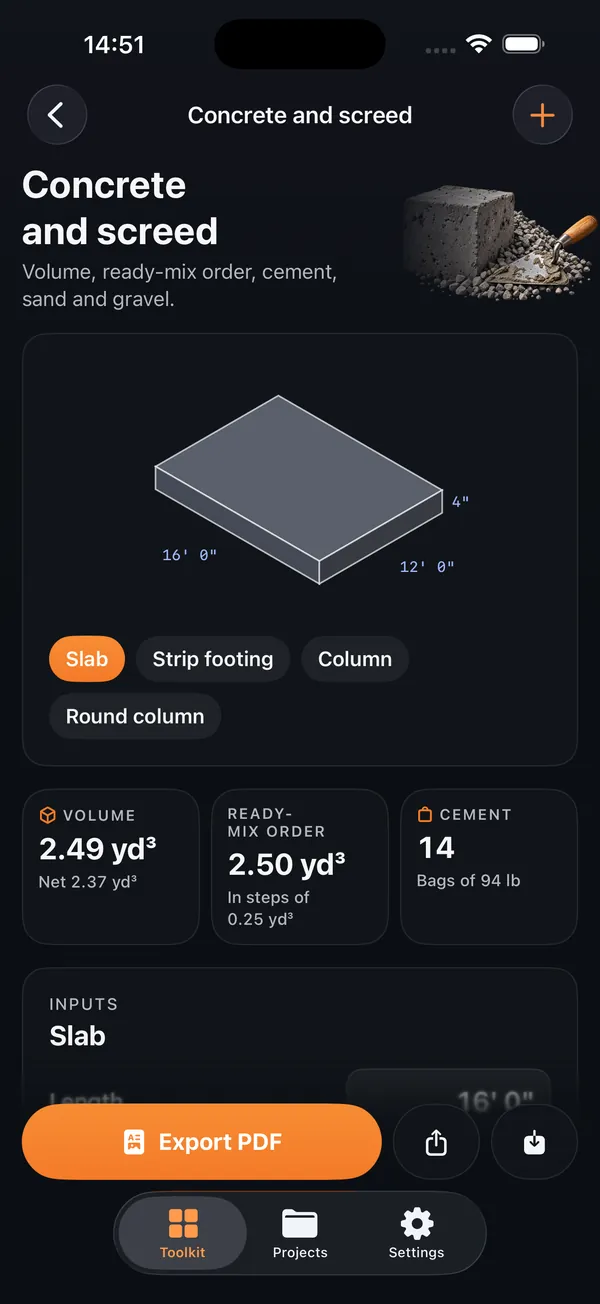
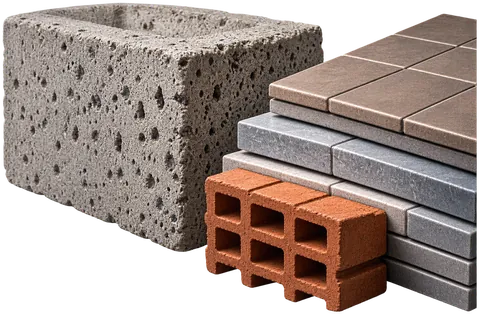
The concrete and screed calculator with a slab drawing, the volume, the ready-mix order and bags of cement.

Sixteen calculators, with the working shown.

Pick a calculator, enter what you measured, and read the result with the working beside it, so you can check it before you order or wire anything.

Electrical

IEC 60364, BS 7671 or the NEC

  • Free

    Cable size

    Current capacity, cross-section, voltage drop and protection.

  • Voltage drop

    Volts and percent along the length of the run.

  • Breaker selection

    Fuses and circuit breakers, checked against the cable.

  • Short-circuit current

    Fault current estimate and breaker trip check.

  • Earthing

    Earth electrode resistance and checks.

  • Conduit fill

    Fill ratio and the smallest diameter that fits.

  • Line sizing

    Cross-section from length, current and voltage drop.

  • Ohm's law and power

    Quick sums between voltage, current, resistance and power.

Construction

Metric or imperial

  • Free

    Concrete and screed

    Volume, ready-mix order, cement, sand and gravel.

  • Tiles

    Tiles and boxes for the pattern, adhesive and grout.

  • Paint

    Litres and cans for walls and ceiling.

  • Drywall

    Boards, studs, track, screws and joint filler.

  • Masonry and AAC

    Bricks or blocks and mortar for a wall.

  • Insulation

    Thickness for a target U-value.

  • Flooring

    Packs, area and skirting.

  • Roof pitch and rafters

    Rise, rafter length, roof area and tiles.

A stair you can build from.

These turns come from the app's own 3D engine. In Kupfra you drag to turn the stair and pinch to zoom.

A stair rendered by Kupfra in 3D, turning slowly.

Drag to turn

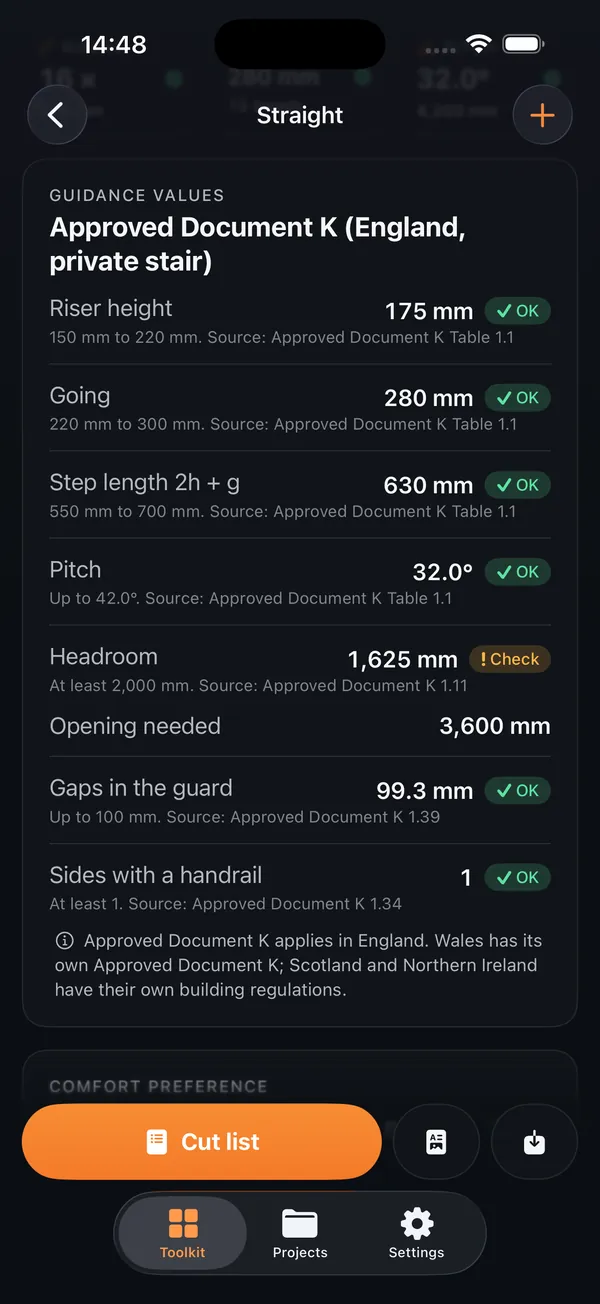
  • Checked against your guidance

    Every value is compared with the guidance you choose: DIN 18065, the US IRC or the English Approved Document K. Headroom is checked against the ceiling opening, and each check names the rule it comes from.

  • Realistic 3D

    Oak, beech, walnut, concrete or steel, with closed or cut stringers or a steel spine, and wood, metal, glass or horizontal rail balustrades.

  • Cut list and materials

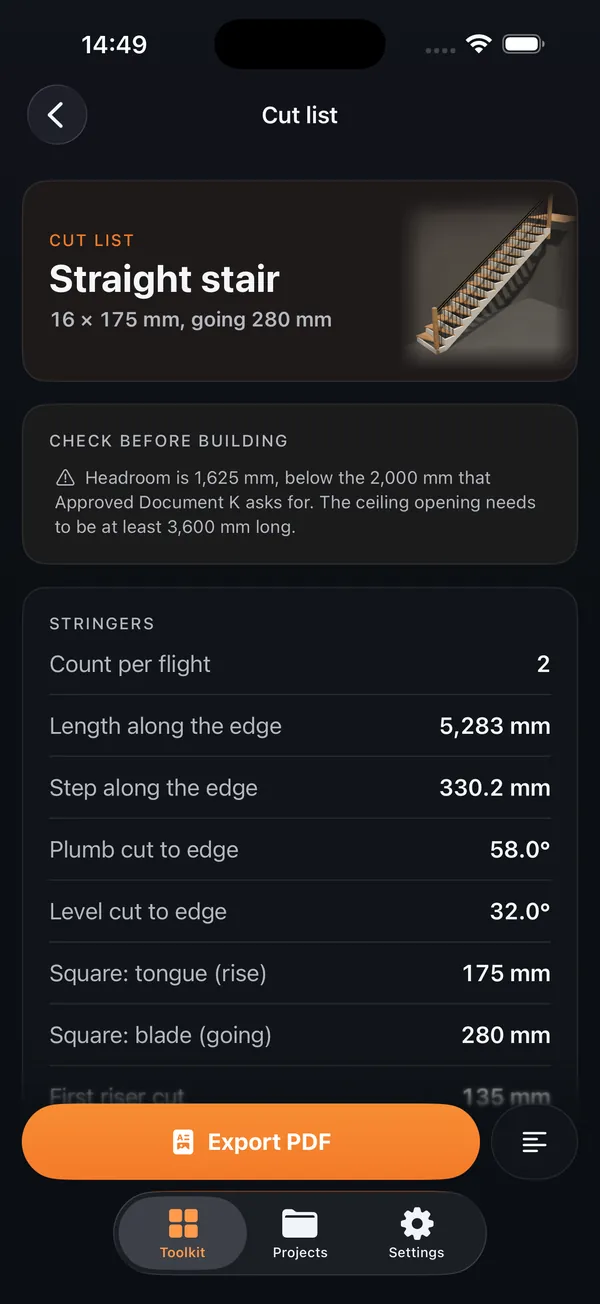
    Stringer marks for each flight, the treads, landings and risers, ready to share as text or PDF. The materials and cost screen adds board areas, volumes and waste, priced with your own unit prices in your currency.

  • A client PDF with your logo
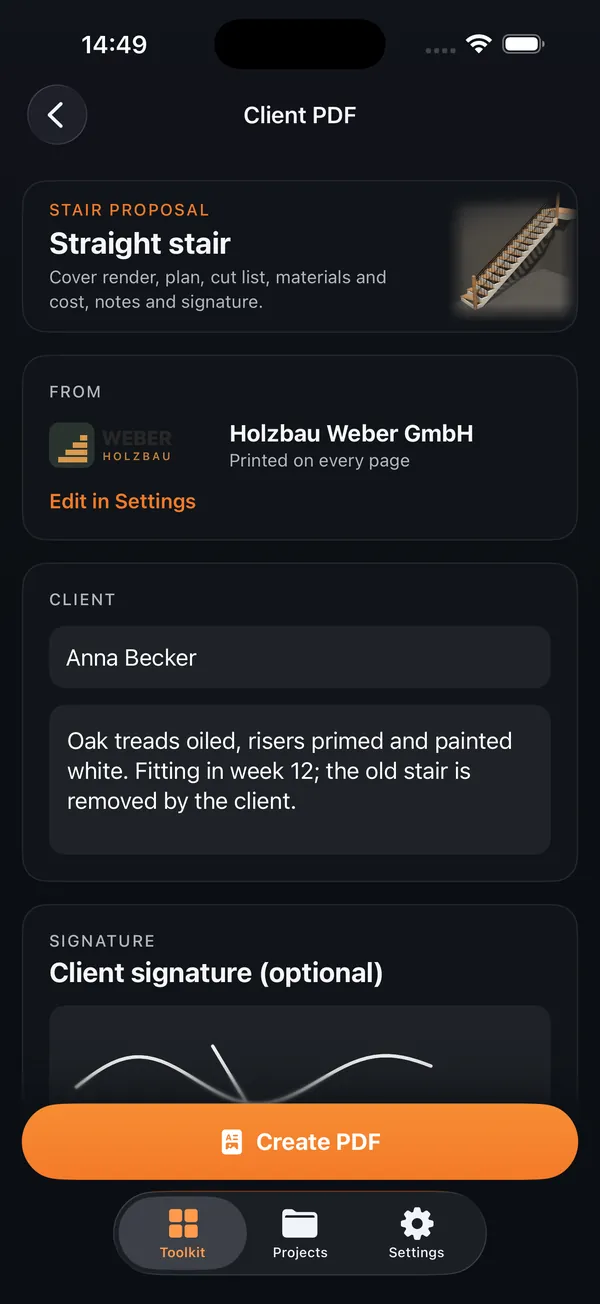
    A cover with the 3D render, plan and side elevation, dimensions, cut list, materials and cost, your notes and the client's signature, under your company name, contact details and logo.

  • Measure with the camera

    Point the camera at the floor and the floor above to measure the rise, or across the opening to measure its length. Devices with LiDAR use scene depth.

  • Projects

    Save a stair or a calculation as a project and pick it up later. Projects stay on your device.

Guidance values for the English Approved Document K, each with a pass mark and the rule it comes from.
Checks with their source
The cut list for a straight stair: stringer count, lengths, plumb and level cuts.
Cut list
The client PDF preview with a stair proposal, client name, notes and signature.
Client PDF

Standards and guidance Kupfra follows: IEC 60364, BS 7671, the NEC, DIN 18065, Approved Document K and the IRC.

Your region, your language.

Kupfra comes in 45 languages and follows your device. Units are metric or imperial, set once, and the stair guidance and electrical standard are the ones you pick: IEC 60364 or BS 7671 in Europe and the UK, the NEC in the US, copper or aluminum, PVC or XLPE, by installation method.

The results are guidance for planning. Check your local building code before you build, and have electrical work signed off by a qualified electrician. Kupfra does not replace the code, an engineer or an inspector.

Free to start. Unlock the rest.

Free

The straight stair, the cable size calculator and the concrete and screed calculator, with up to 3 saved projects. The free version shows ads.

With the unlock

Every stair type, every calculator, design options, the materials and cost estimate, client PDFs, PDF and text export, camera measuring and unlimited projects, and no ads.

Unlock with a weekly or monthly subscription, or buy it once for life. The app shows each price in your currency before you buy, and a yearly plan may also be offered in the app. Subscriptions renew until you cancel in your Apple Account settings.

Your projects stay on your phone.

No account, no sign-in. Your projects, prices and logo are stored on your device, and the camera measures on your device and records nothing. The free app uses Google for ads, analytics and crash reports, and RevenueCat for purchases, as the policy sets out.

Read the privacy policy

Questions

Is Kupfra free?

Yes to start. The straight stair, the cable size calculator and the concrete and screed calculator are free, with up to 3 saved projects, and the free version shows ads. The unlock adds every stair type, every calculator, design options, the materials and cost estimate, client PDFs, PDF and text export, camera measuring and unlimited projects, and removes the ads.

How do I unlock it?

With a weekly or monthly auto-renewing subscription, or once with a lifetime purchase. The app shows each price in your currency before you buy, and a yearly plan may also be offered in the app.

Which standards does it follow?

Electrical results follow IEC 60364, BS 7671 for the UK or the NEC for the US. Stair values are compared with the guidance you choose: DIN 18065, the US IRC or the English Approved Document K. Each result names the table or rule it comes from.

Can I trust the results on site?

Treat them as guidance for planning. Check your local building code before you build, and have electrical work signed off by a qualified electrician. Kupfra shows its working so you can check it, but it does not replace the code, an engineer or an inspector.

How accurate is camera measuring?

The app tells you as you measure: usually within 2 to 5 cm, and within about 1 cm on devices with LiDAR. Check with a tape before you cut. The camera is used only to measure, on your device. Nothing is recorded or saved.

Which languages and units?

45 languages, following your device's language. Units are metric or imperial, set once in Settings, and start from your device's region.

Which devices?

iPhone. Camera measuring needs a device that supports ARKit world tracking, and uses LiDAR depth where the device has it.

More help is on the support page.

Measure twice. Calculate once.

Download Kupfra on the App Store

Free to start on iPhone.